


![[초등 4~6학년] 캔바로 발표·수행평가 스스로 준비하기 1단계](https://i1.gguge.com/r/teacher/6d1a9b6d-97c3-4816-ac05-ee153a4f519b.jpeg.webp?w=1280)
[초등 4~6학년] 캔바로 발표·수행평가 스스로 준비하기 1단계
0
(0)
"발표가 일상이 된 학교, 이제는 '말'보다 '보여주는 힘'이 중요합니다." 중학교에 들어가면 거의 모든 과목에서 발표와 수행평가가 이어집니다. 하지만 대부분의 아이들은 자료를 만드는 방법을 제대로 배우지 못한 채 인터넷에서 이미지를 복사해 붙여 넣는 수준에 머물러 있습니다. 이 수업에서는 AI와 캔바를 활용해 학교에서 바로 활용할 수 있는 디자인과 발표 자료 제작의 기초를 익히며, 아이 스스로 생각을 보기 좋게 표현하는 힘을 키웁니다.
(US$74.52)
Multi-Session
10-12
Max 4people
40min
Not Available

디디
Reviews
82
학교에서 발표와 수행평가가 늘어났지만,
자료를 만드는 방법을 배울 기회는 많지 않습니다.
요즘 학교 수업은 예전과 많이 달라졌습니다.
발표와 수행평가가 늘어나면서 학생들은 단순히 내용을 아는 것뿐 아니라
자신의 생각을 보기 쉽게 정리하고 전달하는 능력도 함께 요구받고 있습니다.
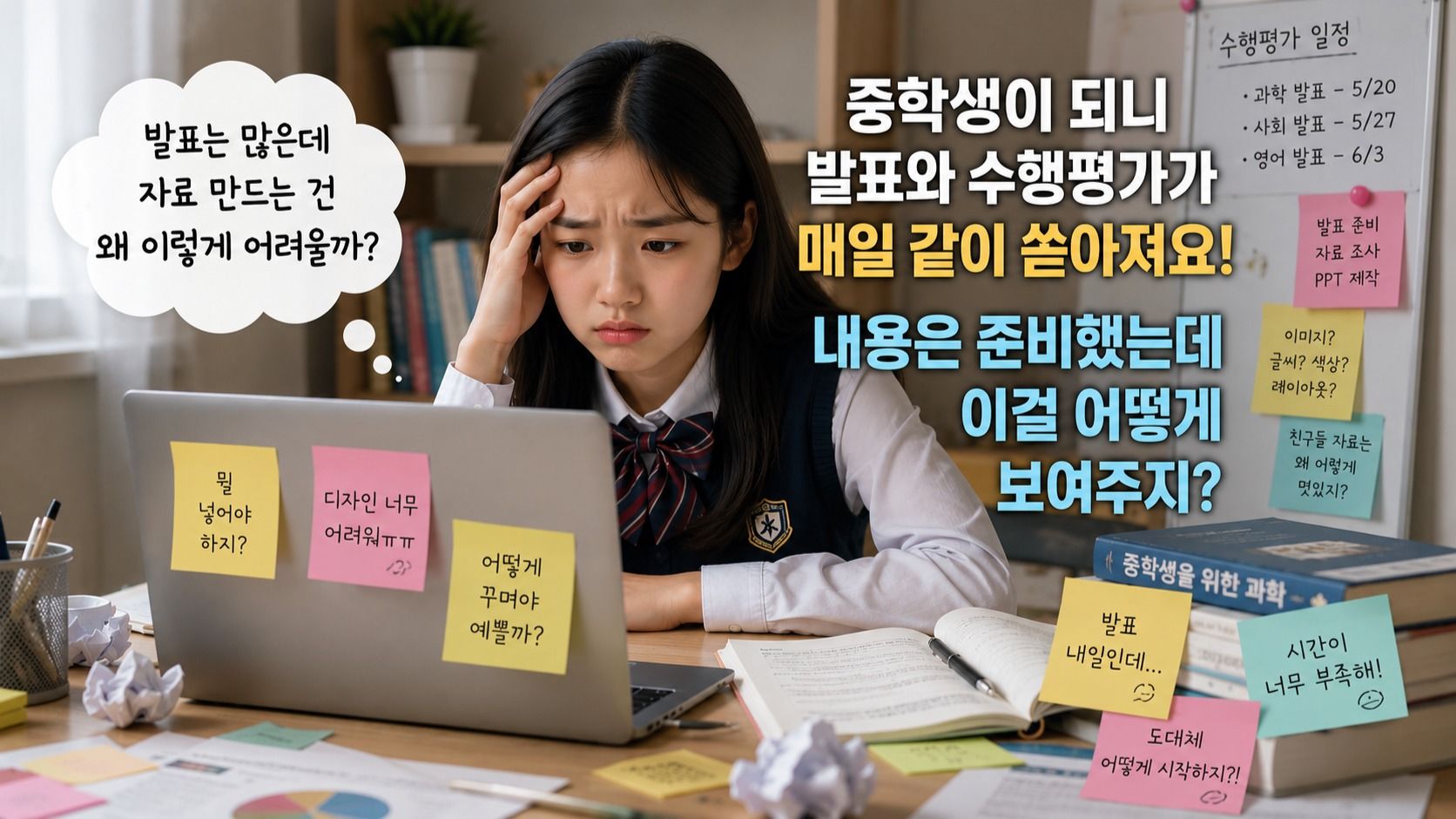
하지만 대부분의 아이들은 발표 자료를 만드는 방법을 따로 배워본 적이 없습니다.
글만 가득한 자료
어디에 무엇을 배치해야 하는지 모르는 디자인
인터넷 이미지를 그대로 붙여 넣는 수준
이런 모습은 아이들의 능력이 부족해서가 아니라
제대로 배울 기회가 없었기 때문입니다.
왜 초등 고학년~중학생에게 추천할까요?
초등학교 고학년부터는 프로젝트 활동과 발표가 점점 늘어나고,
중학교에 들어가면 수행평가와 발표형 과제가 더욱 다양해집니다.
이 시기에 디자인 도구를 어렵지 않게 익혀두면,
학교 과제를 준비할 때마다 큰 도움이 됩니다.
무엇보다 "내가 직접 만들었다"는 경험은 아이의 자신감을 키워줍니다.
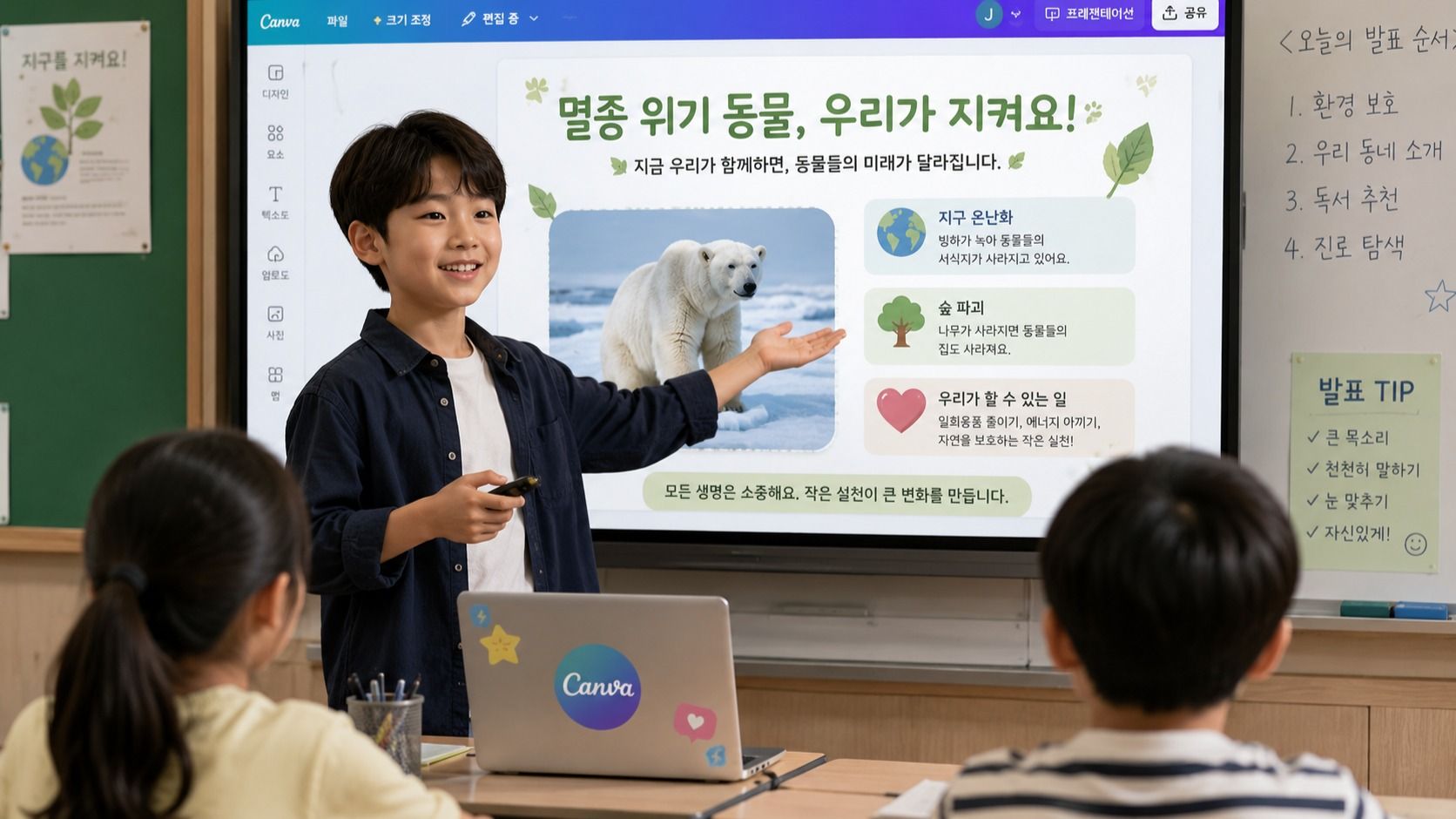
이 수업은 '캔바 사용법'을 배우는 수업이 아닙니다.
아이들이 학교생활에서 자연스럽게 활용할 수 있는 디지털 표현력을 키우는 수업입니다.
AI를 활용해 아이디어를 정리하고,
캔바를 활용해 보기 쉽게 표현하고,
직접 결과물을 완성하는 경험을 반복하면서
'생각을 표현하는 힘'을 기르게 됩니다.
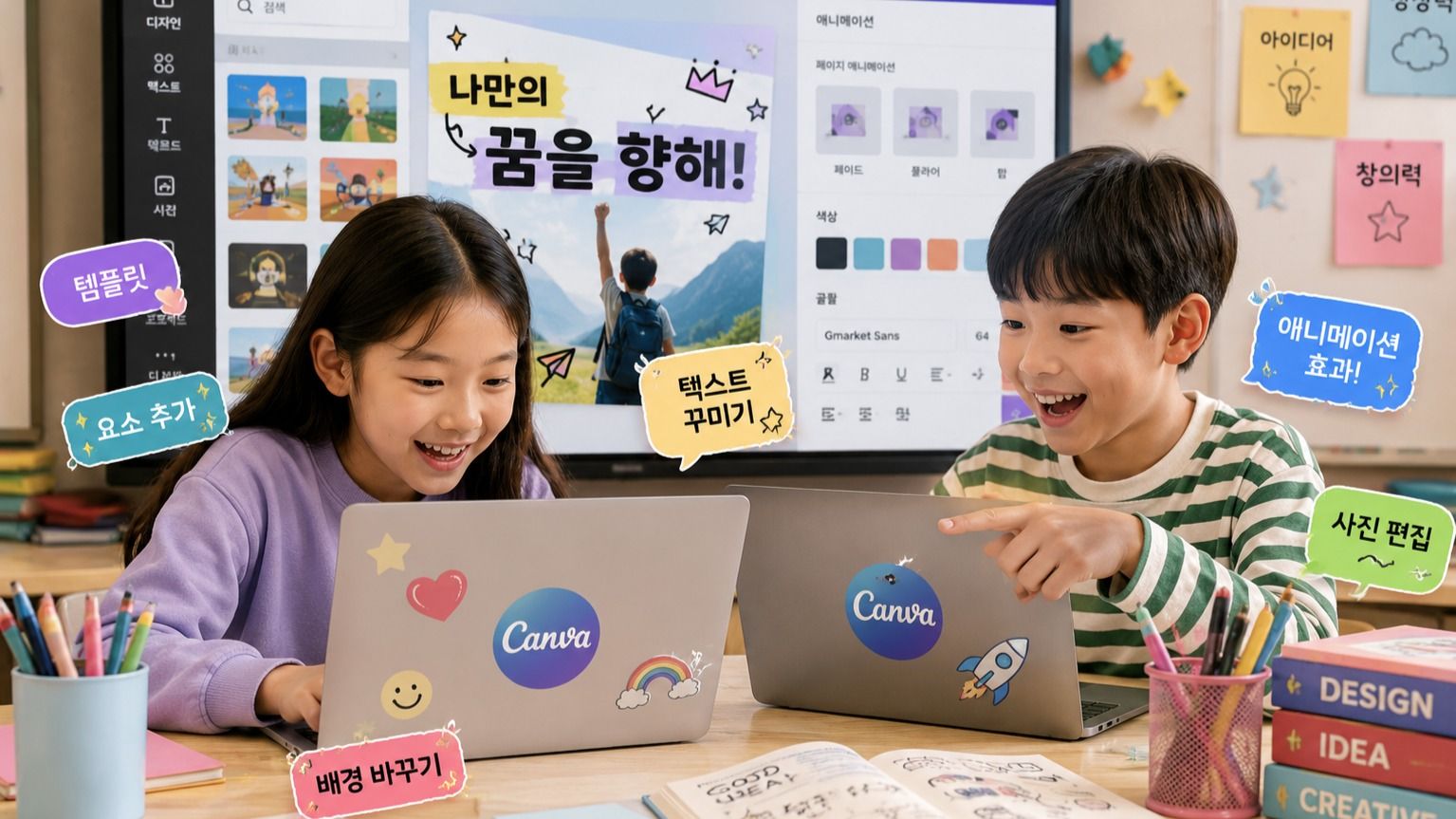
이 수업에서 얻어가는 것
✔ AI를 활용해 아이디어를 정리하는 방법
✔ 캔바의 기본 기능을 자연스럽게 익히는 경험
✔ 학교에서도 활용할 수 있는 디자인 감각
✔ 발표 자료와 수행평가에 응용할 수 있는 표현력
✔ 매 시간 완성되는 나만의 결과물
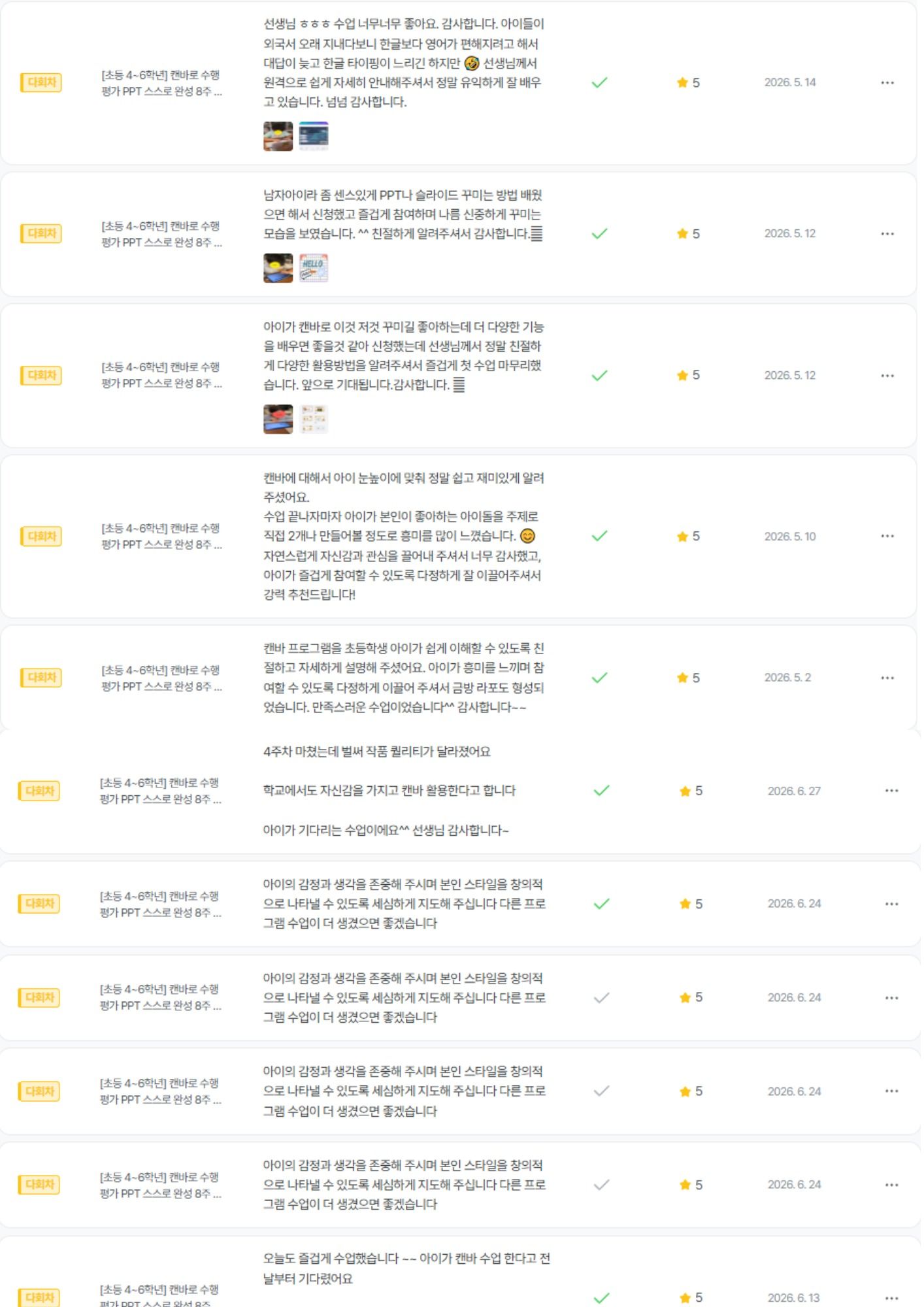
수업의 후기가 말해주고 있습니다.
Curriculum
Total 4 sessions
Session 1
캔바 시작 + 나만의 디지털 명함 완성
캔바의 첫걸음입니다. 기본 회원가입과 템플릿 탐색법을 배우고, 텍스트와 아이콘을 활용해 나만의 개성이 담긴 첫 명함을 완성합니다.
Session 2
AI 배경 제거 기능으로 포토카드 완성
이미지 편집의 기초를 다집니다. 사진 업로드와 레이아웃 배치법을 익히고, 배경 자동 제거(누끼) 기능을 활용해 멋진 포토카드를 제작합니다.
Session 3
정보전달 UP! 카드뉴스 만들기
여러 페이지를 자연스럽게 연결하는 법을 배웁니다. 가독성 높은 텍스트 배치와 색상 통일감을 익히고, AI 이미지 생성 기능도 직접 체험합니다.
Session 4
시선을 사로잡는 포스터 만들기
주목도 높은 디자인 원칙을 배웁니다. 도형과 글자 효과로 강조점을 만드는 법을 익히고, 리사이즈 기능을 활용해 하나의 디자인을 다용도로 변환해 봅니다.
Great for These Kids
발표나 수행평가를 더 잘하고 싶은 학생
디자인이나 영상, 콘텐츠 제작에 관심 있는 학생
자신의 생각을 잘 정리하고 표현하는 연습이 필요한 학생
캔바를 처음 접하거나 제대로 활용해보고 싶은 학생
마우스/키보드 사용이 익숙하지 않은 학생
단순 재미 위주의 수업을 원하는 경우
PC 사용이 어려운경우
10세 이하의 어린이 (마우스 및 키보드 조작이 낯설어 진도를 따라오기 어려울 수 있습니다)
Multi-Session Class Information
When a cancellation request is submitted for a multi-session class, all sessions starting from the time the cancellation request is received onward will be canceled together.
For multi-session class cancellations, a penalty fee is charged separately from the cancellation fee.
To reschedule, please cancel and rebook.
Canceling individual sessions within a bundle is not available.
If a session cannot be held due to the teacher, you will be notified by email.
If a separate refund policy applies, you can view the detailed policy on the payment or event page.
Teacher Info
Auto-translated to English.
디디
Reviews
82
Hello, I am Didi, an expert in convergence education based on digital literacy and planning. We live in an era where the ability to correctly interpret information, reconstruct it using one's own logic, and express it in the digital world—going beyond simply learning technology—is becoming a core competitive advantage for children. Combining my practical logic as a 10-year veteran Project Manager (PM) with my expertise as a digital instructor, I help our children grow into "future-oriented talents" who can design their own learning and produce results within a changing technological environment. ✔ What makes my professional convergence classes different? - Planner's Logic: Beyond simply using tools, students learn how to structure their thoughts using planning methods such as MECE and how to communicate them efficiently. - Convergence of Diverse Fields: Based on my capabilities gained from completing AI Boostcourse and over 10 certifications, including ITQ (PowerPoint, Excel), Children's Economics, and Debate, I implement multi-faceted education that bridges the gap between digital and humanities. - Solid Digital Output: Using the latest tools such as Canva and CapCut, children experience a sense of accomplishment by completing their planned ideas into visual results. ✔ Why Digital Literacy Convergence Education? - Literacy is Digital Competitiveness: We reinforce the essence of digital utilization by enabling students to grasp the core concepts and build logical frameworks amidst a flood of information. - Tools Are Vessels for Thoughts: Based on AI and software education capabilities, students master various digital tools and transform their imaginations into actionable content. - Practical Future Competencies: By incorporating know-how in discussion, debate, and economics education, we cultivate proactive individuals who can confidently and persuasively convey their opinions to the world. "Start the time to transform your child's thoughts into valuable results for the digital world with me."
Experience & Activities
·
Currently working as an AI expert instructor for a public institution
·
Worked as a PM and planner at an IT company for 13 years
·
Gyeonggi-do Digital Learning Center / Digital Instructor
·
Completed Naver Connect / Boostcourse Generative AI 2025 Coaching Study
·
Creative Computer Academy / Dedicated ITQ Certification Instructor
·
Author of 'Special Stories Mom Tells Her Daughter'
·
'AI Job Training' Lectures for Out-of-School Children
See Full Teacher Profile
Class Reviews
Growth Reviews for This Class