


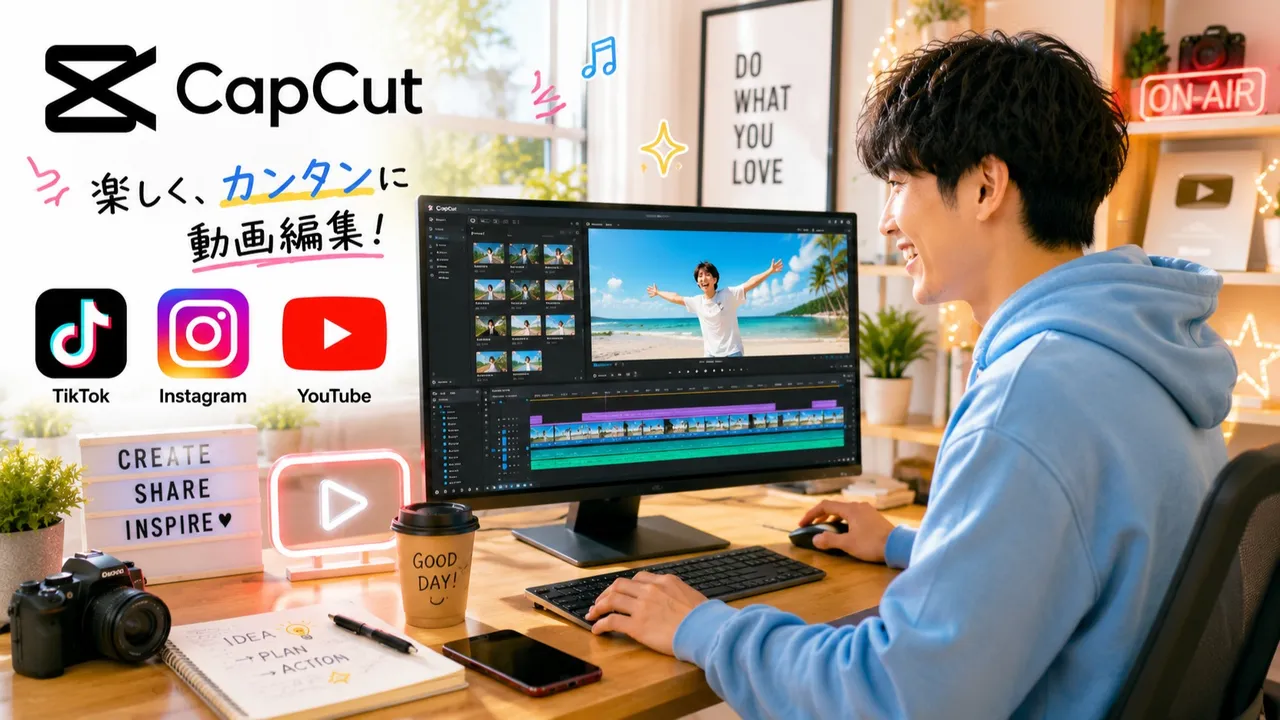
初めてでも安心!動画編集の基礎を楽しく学ぼう
0
(0)
初心者向けの動画編集講座です。CapCutを使って、TikTok・Instagram・YouTubeショート向けの動画編集を基礎から学びます。カット編集、字幕、BGM、エフェクトなどを実際に手を動かしながら習得できます。マンツーマンで丁寧にサポートするので、初めて動画編集に挑戦する方でも安心して受講いただけます。
One Day
5-20
Max 8people
90min

Kanoa
Reviews
0
初心者歓迎!動画編集を楽しく学びましょう!
「動画編集を始めてみたいけれど、何から始めればいいかわからない。」
「SNSに動画を投稿してみたい。」
「CapCutを使って編集してみたい。」
そんな方のための初心者向け動画編集講座です。
この講座では、動画編集アプリ「CapCut」を使いながら、カット編集、テロップ、BGM、効果音、エフェクト、画面切り替えなど、動画編集に必要な基本操作を一つひとつ丁寧に学んでいきます。画面共有をしながら実際に一緒に操作するため、初めて動画編集に挑戦する方でも安心して受講できます。
また、TikTok、Instagram、YouTubeショートなど、SNS向けの動画編集についても実践形式で学ぶことができます。「どのように編集すれば見やすい動画になるのか」「視聴者に伝わりやすい動画を作るコツ」など、初心者にも分かりやすく解説します。
レッスンは一人ひとりのペースに合わせて進めますので、分からないことはその場で何度でも質問できます。動画編集の経験は必要ありません。パソコン操作に自信がない方でも、基礎からゆっくりサポートします。
受講後には、自分で動画を編集し、SNSへ投稿できるレベルを目指します。趣味として動画編集を始めたい方はもちろん、SNS運用やコンテンツ制作に興味がある方にもおすすめです。
「動画編集を始めたいけれど不安…。」
そんな気持ちを、「できた!」という自信に変えられるよう、一緒に楽しく学んでいきましょう。
初めての方でも安心して受講できる環境をご用意しています。皆さまのご参加を心よりお待ちしております。
Great for These Kids
動画編集が初めての方
CapCutを学びたい方
SNS動画を作りたい方
TikTok・Instagram・YouTubeを始めたい方
副業や趣味で動画編集を始めたい方
ショート動画を作ってみたい方
一人で動画編集を始めるのが不安な方
動画編集ソフト(CapCut)が使用できる方
パソコンまたはCapCutが使えるスマートフォン・タブレットをご用意できる方
インターネットに接続できる環境がある方
※初心者歓迎のため、動画編集の経験は必要ありません。
One Day Class Information
If you cancel within 48 hours of the scheduled class, a cancellation fee will apply based on the timing of cancellation.
If you cancel more than 48 hours before the scheduled class, a full refund will be issued with no cancellation fee.
To reschedule, please cancel and rebook.
If the teacher cancels the class, you will receive a full refund and any coupons used will be restored.
Teacher Info
Auto-translated to English.
Kanoa
Reviews
0
Hello, I'm Kanoa. I strive to provide lessons that are easy to understand, even for those completely new to video editing. "I'm interested in video editing, but I don't know where to start." "I want to use CapCut, but I'm not confident in my skills." Even if you feel this way, I will provide careful, step-by-step support. In the lessons, I will clearly explain the basic operations of CapCut, such as cutting, adding text overlays, background music, and effects, using screen sharing. We will proceed at each individual's pace, so you can ask questions as many times as you need. I regularly create short videos for social media and work on video editing for TikTok, Instagram, and YouTube. I will clearly explain editing methods that are easy for beginners to implement, and the key points for creating videos that are easy to watch and understand. What I value most is the experience of success – "I did it!" Video editing is a skill that anyone can acquire if they learn the correct procedures, even without special talent. "I want to start video editing." "I want to post videos on social media." "I want to use video editing for my hobbies or work." We will fully support everyone with these goals. Let's learn video editing together in a fun way and take a new step forward. We look forward to meeting you.
Experience & Activities
·
I continue to plan and edit short videos for social media.
·
I focus on video editing using CapCut, and I strive to provide instruction that is easy for beginners to understand.
·
I practice video editing for TikTok, Instagram, and YouTube.
·
We prioritize providing thorough and easy-to-understand lessons tailored to each individual's level of understanding.
·
Our goal is to help students transform "I don't understand" into "I did it!"
·
I strive to create an atmosphere where people feel comfortable asking questions, utilizing the communication skills I've cultivated as a working professional.
·
We provide thorough support from the basics, so even those who are new to video editing can learn with confidence.
·
We prioritize creating lessons that make students feel, "Video editing is fun!"
See Full Teacher Profile
Class Reviews
Growth Reviews for This Class