

![[초등 4-6학년] 뉴스 읽고 Canva 한 장으로 끝내는 수행평가 1분 발표](https://i1.gguge.com/r/teacher/8cd3250d-3e88-4ffe-a51c-c72cfe4e3d4a.jpeg.webp?w=1280)
[초등 4-6학년] 뉴스 읽고 Canva 한 장으로 끝내는 수행평가 1분 발표
0
(0)
뉴스를 읽는 아이는 많지만, 자신의 생각을 말해보는 아이는 많지 않습니다. 아로쌤과 함께 뉴스, 사회 이슈를 읽고, 생각을 정리해 Canva 발표자료 한 장을 만들고, 1분동안 자신 있게 발표하는 프로젝트형 수업입니다.
25%20,000G(US$13.80)
Class Type
One Day
Ages
11-13
Class Size
Max 6people
Duration
50min
Replay

아로쌤
Reviews
1
Canva로 만드는 나의 첫 발표자료!
Canva를 사용해본 적은 있지만 발표자료를 어떻게 만들어야 할지 막막한가요?
발표자료에 긴 문장을 그대로 옮기거나, 예쁜 템플릿을 고르는 데만 시간을 쓰고 있지는 않나요?
이 수업에서는 Canva의 여러 기능을 배우기보다
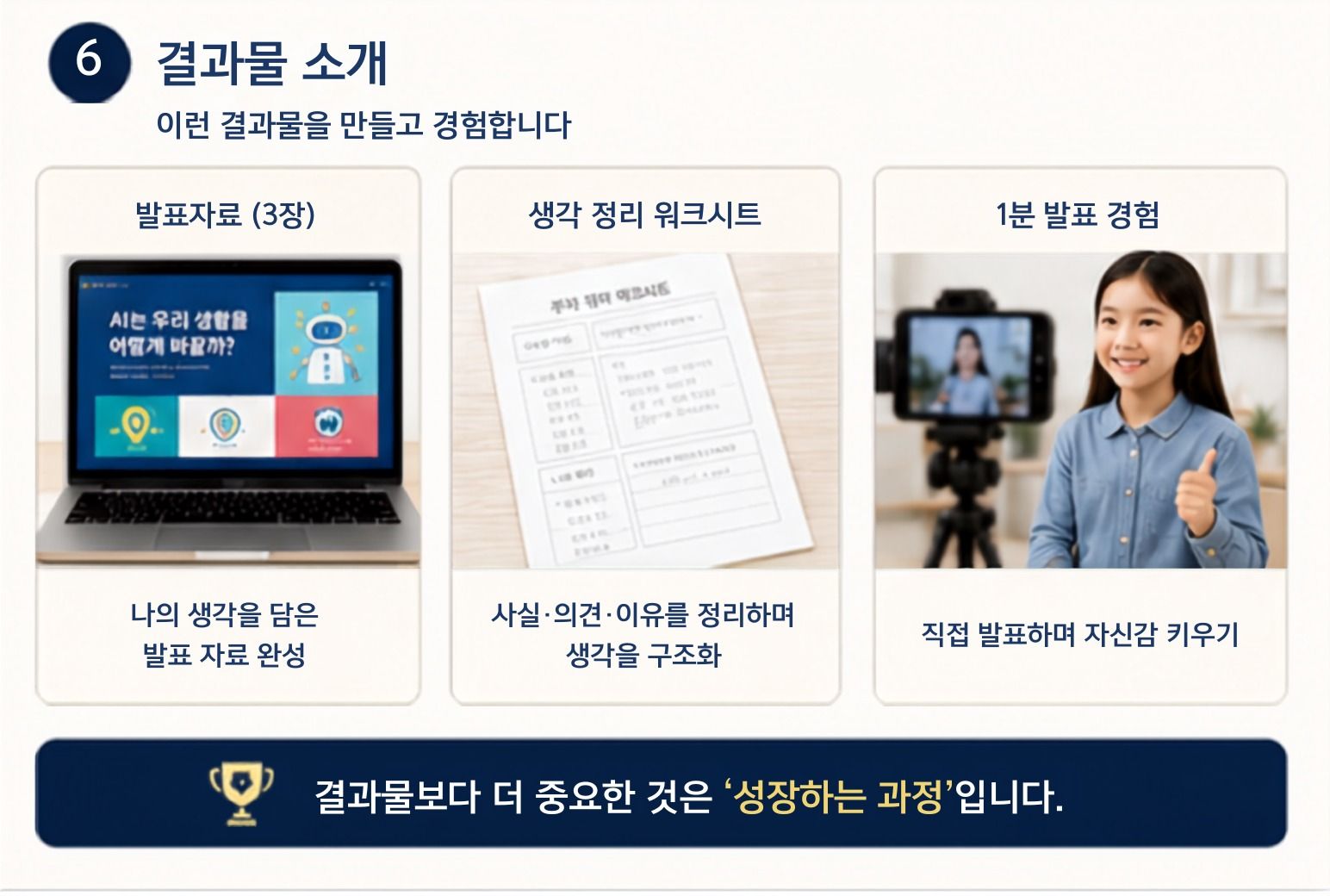
주제 선정부터 생각 정리, Canva 자료 제작, 1분 발표까지 한 번에 경험하며 수행평가 발표 구조를 몸에 익혀요.
원데이 수업은 이렇게 진행됩니다.
1. 뉴스 읽기
초등 고학년의 눈높이에 맞는 흥미로운 뉴스와 생활 주제를 함께 살펴봅니다.
2. 핵심 찾기
뉴스에서 가장 중요한 핵심어와 내용을 고릅니다.
3. 내 생각 정리하기
주제에 대한 나의 생각과 그 이유를 짧게 정리합니다.
4. Canva 발표자료 만들기
제공된 기본 템플릿을 활용해 제목·이미지·핵심 문장을 한 장에 배치합니다.
5. 1분 발표하기
완성한 자료를 보며 내용을 그대로 읽지 않고 자기 말로 설명합니다.
.
Canva 수업과 무엇이 다른가요?
이 수업은 Canva 기능을 따라 하며 결과물을 만드는 데서 끝나지 않습니다.
발표할 내용을 먼저 생각해요.
뉴스에서 핵심을 직접 골라요.
긴 글을 발표에 필요한 문장으로 줄여요.
내용이 잘 보이도록 Canva 한 장에 정리해요.
완성한 자료를 활용해 직접 발표해요.
Canva를 단순한 디자인 도구가 아니라 내 생각을 다른 사람에게 전달하는 발표 도구로 활용합니다.
이런 학생에게 추천합니다
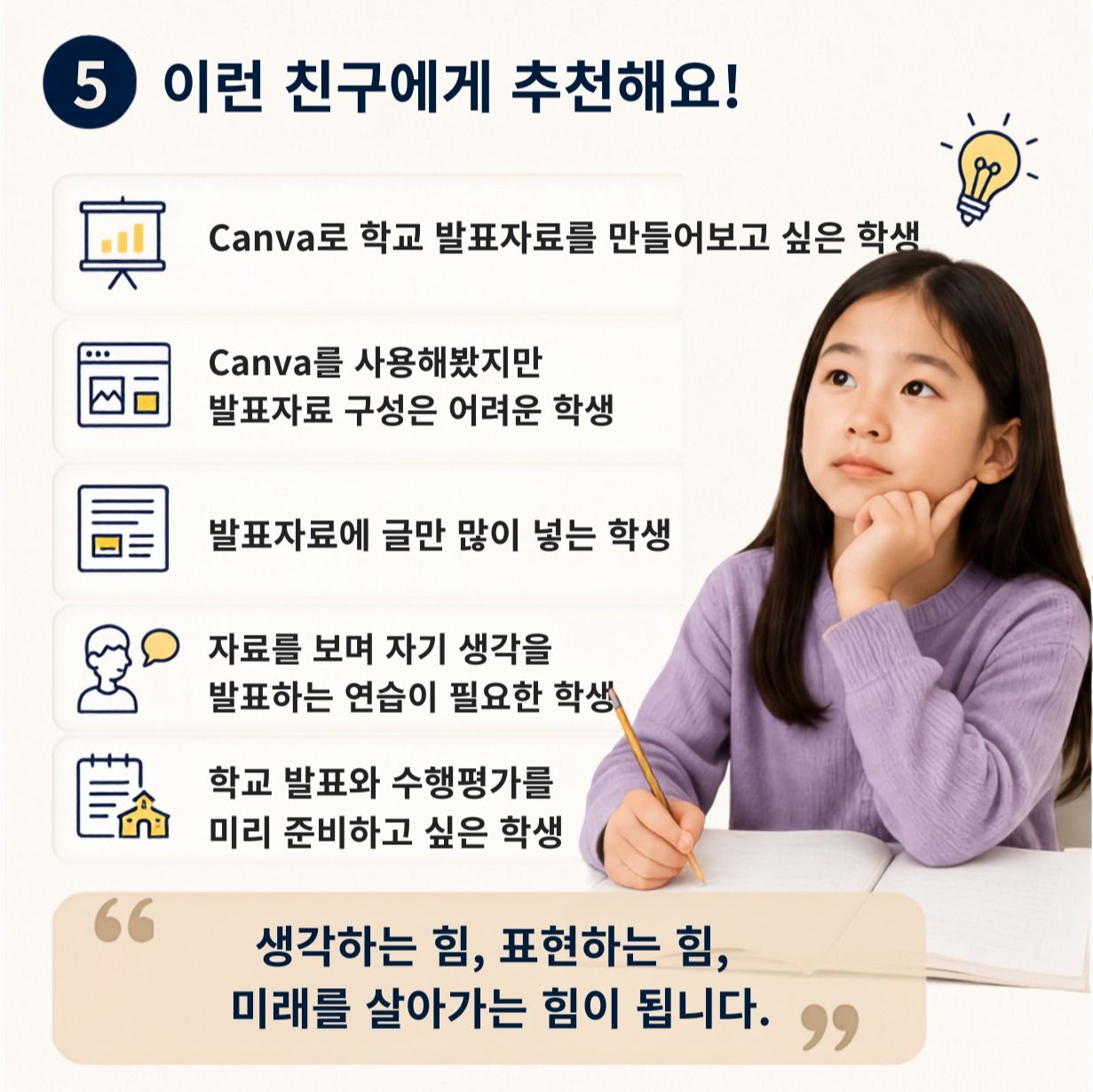
Canva에 관심이 있지만 발표자료는 만들어본 적이 없는 학생
학교 발표와 수행평가를 미리 경험해보고 싶은 학생
발표할 내용을 어떤 순서로 말해야 할지 막막한 학생
부담 없이 짧은 발표부터 시작하고 싶은 학생
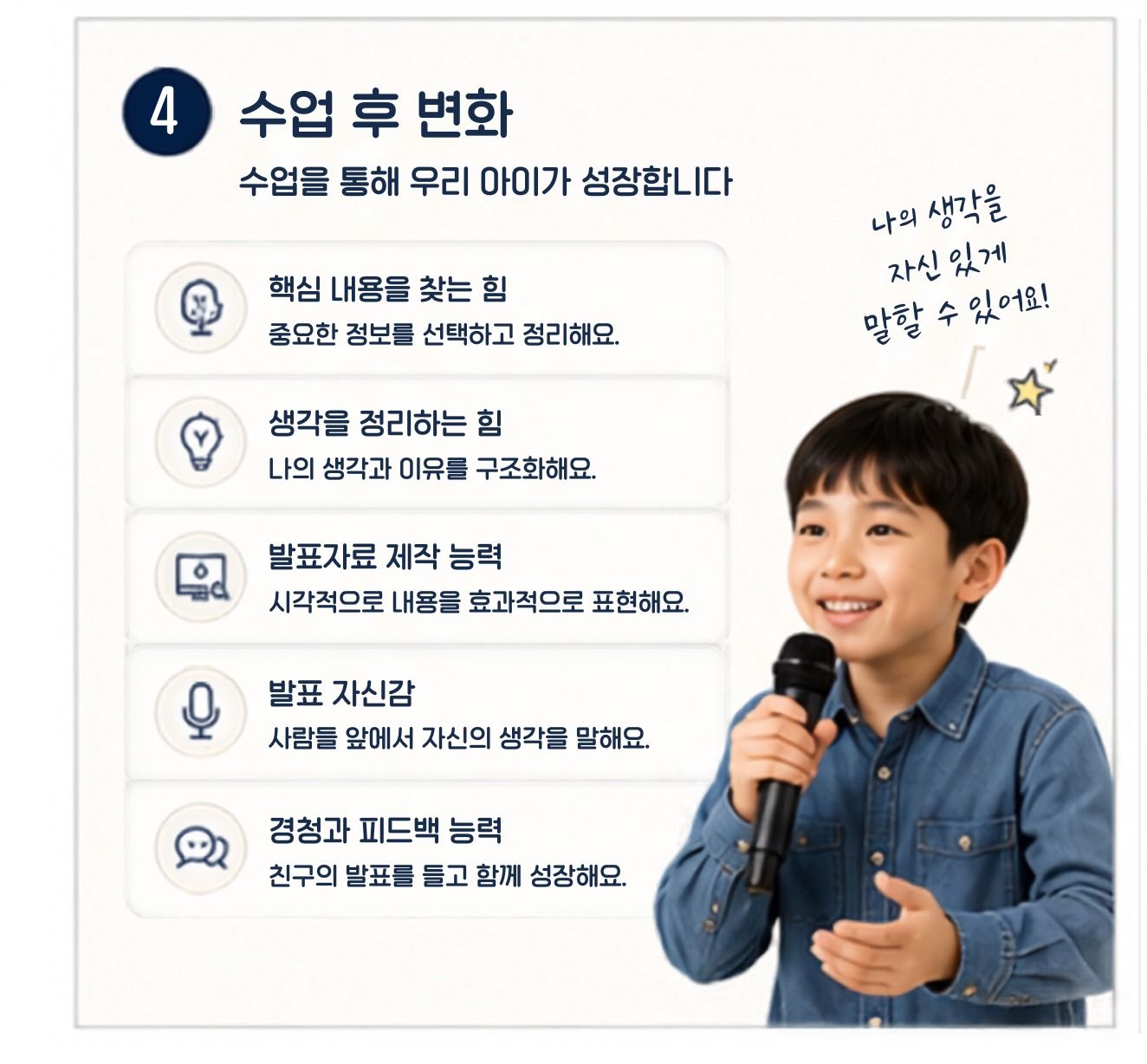
아이가 수업 전에는 글을 통째로 옮겨 적고 슬라이드만 넘겼다면,
수업 후에는 1분 안에 말할 핵심만 골라 Canva 한 장에 정리해서 또박또박 설명할 수 있어요.
Great for These Kids
발표가 어려운 친구
자신의 생각을 표현하고 싶은 친구
수행평가 발표가 걱정되는 친구
문해력과 사고력을 키우고 싶은 친구
뉴스와 다양한 사회 이슈에 관심이 많은 친구
초등 1~2학년 이하 학생
캔바(Canva) 프로그램의 기본 마우스/패드 조작(클릭, 드래그 등)이 아예 불가능한 친구
친구들 앞에서 말하는 것을 전혀 원하지 않는 친구
Check Before Class
- 1
Canva 계정 (무료 계정 가능)
- 2
필기할 수 있는 연필과 메모지
- 3
학습 자료 출력
- 1
[1분뉴스발표] 학생활동지
수업 전 아이의 마이크와 스피커가 잘 작동하는지 한 번만 확인해주세요.
If you cancel within 48 hours of the scheduled class, a cancellation fee will apply based on the timing of cancellation.
If you cancel more than 48 hours before the scheduled class, a full refund will be issued with no cancellation fee.
To reschedule, please cancel and rebook.
If the teacher cancels the class, you will receive a full refund and any coupons used will be restored.
Teacher Info
Auto-translated to English.
아로쌤
Reviews
1
"A Project Educator Who Helps Children Structure Their Thoughts and Express Them Through Digital Creation and Presentation" Hello. Having met many students in the educational field for 15 years, I discovered a common thread among them. Children possess good ideas, but they lacked sufficient experience in organizing and presenting them. Many feared public speaking, struggled with creating PowerPoint presentations, or lacked confidence in expressing their opinions. Through my Master's degree in Education, I have researched student learning and growth, and for 15 years, I have been guiding students while developing and operating various educational programs. Currently, I run a project-based education program that integrates art and technology, leading digital creation activities and presentation projects using Canva. I believe it is crucial for children to move beyond simply memorizing information and gain the experience of organizing their own thoughts and confidently expressing their opinions. In my classes, students experience the process of understanding content, summarizing key points, creating presentation materials, and presenting themselves, utilizing children's news and various topics. I will help students naturally connect reading, thinking, and expressing, thereby fostering presentation confidence and critical thinking skills.
Experience & Activities
·
Master of Education
·
Level 2 Arts Education Instructor Certificate (Ministry of Culture, Sports and Tourism)
·
Lecturing on humanities and creative education programs at public institutions in the Busan area
·
15 years of experience in teaching and project guidance for elementary and middle school students
·
Operation of Artlog Project Lab · Planning of digital creation and presentation programs
·
Completed the official Canva Design School curriculum
See Full Teacher Profile
Class Reviews
Growth Reviews for This Class


