


![[초등 4~6학년] 캔바 통합과정 : 발표·수행평가 스스로 완성하기](https://i1.gguge.com/r/teacher/94dc44a2-d52a-401c-8b7f-4ae4a12a3b32.jpeg.webp?w=1280)
[초등 4~6학년] 캔바 통합과정 : 발표·수행평가 스스로 완성하기
5
(18)
초등 고학년부터 늘어나기 시작하는 발표와 프로젝트 수업, 중학생이 되면 다양한 과목의 수행평가와 발표자료를 직접 준비해야 하는 일이 더욱 많아집니다. 문제는 아이들이 정작 자신의 생각을 정리하고 보기 좋은 자료로 만드는 방법은 제대로 배울 기회가 많지 않다는 것입니다. AI와 캔바를 활용해 디자인 기초부터 카드뉴스, 포스터, 발표자료, 디지털 매거진까지 직접 완성하며 학교생활에 필요한 디지털 표현력과 콘텐츠 제작 능력을 8주 동안 차근차근 키워갑니다.
(US$121.44)
Multi-Session
10-13
Max 6people
40min
Not Available

디디
Reviews
82
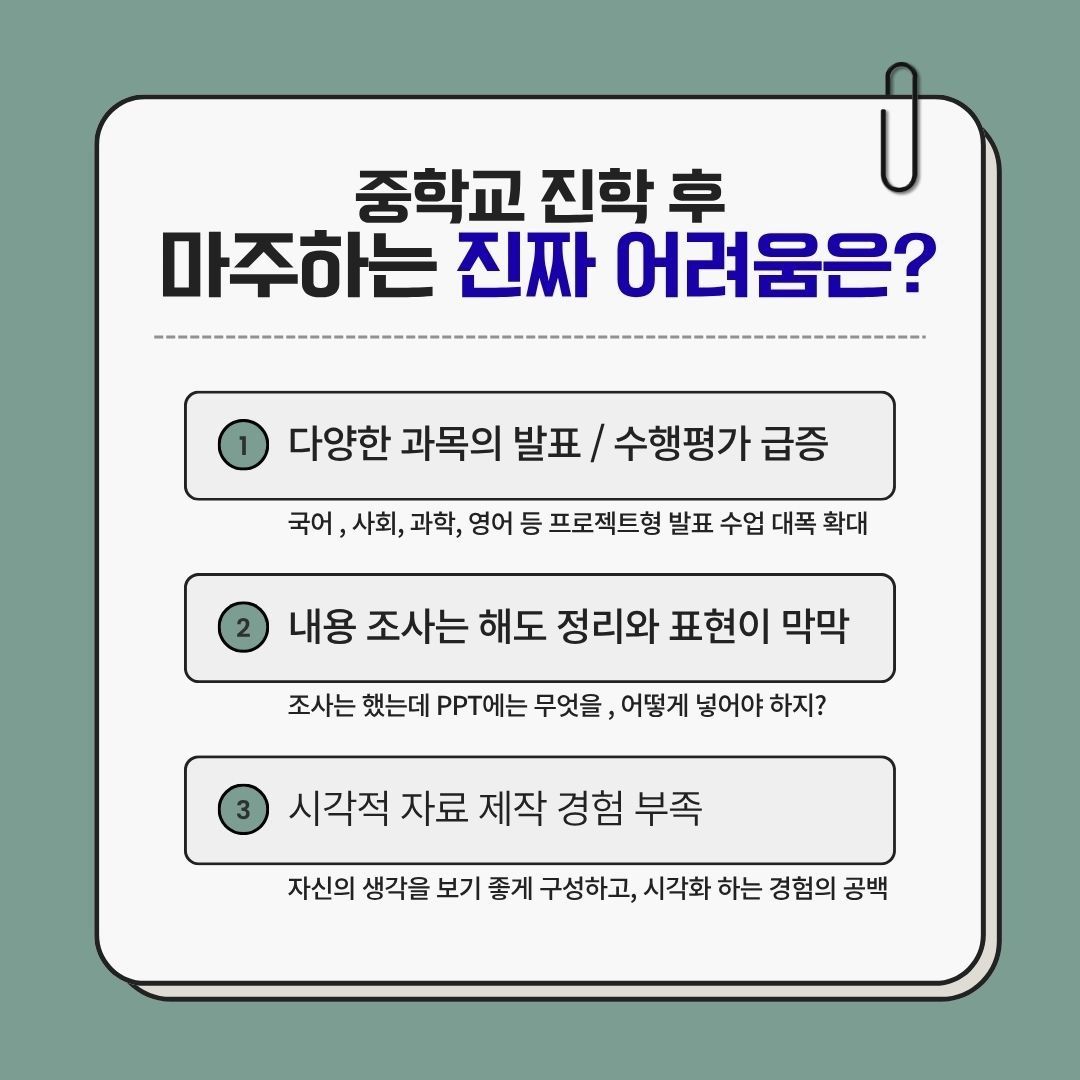
초등학교 때까지는 선생님이 준비해 주신 자료를 보며 수업하는 일이 많았다면, 학년이 올라갈수록 아이가 직접 조사하고, 정리하고, 발표하는 활동이 늘어납니다.
특히 중학생이 되면 국어, 사회, 과학, 영어, 진로 등 다양한 과목에서 발표와 프로젝트형 수행평가를 경험하게 됩니다.
그때 아이들이 처음 마주하는 어려움은 의외로 ‘발표’ 자체가 아닙니다.
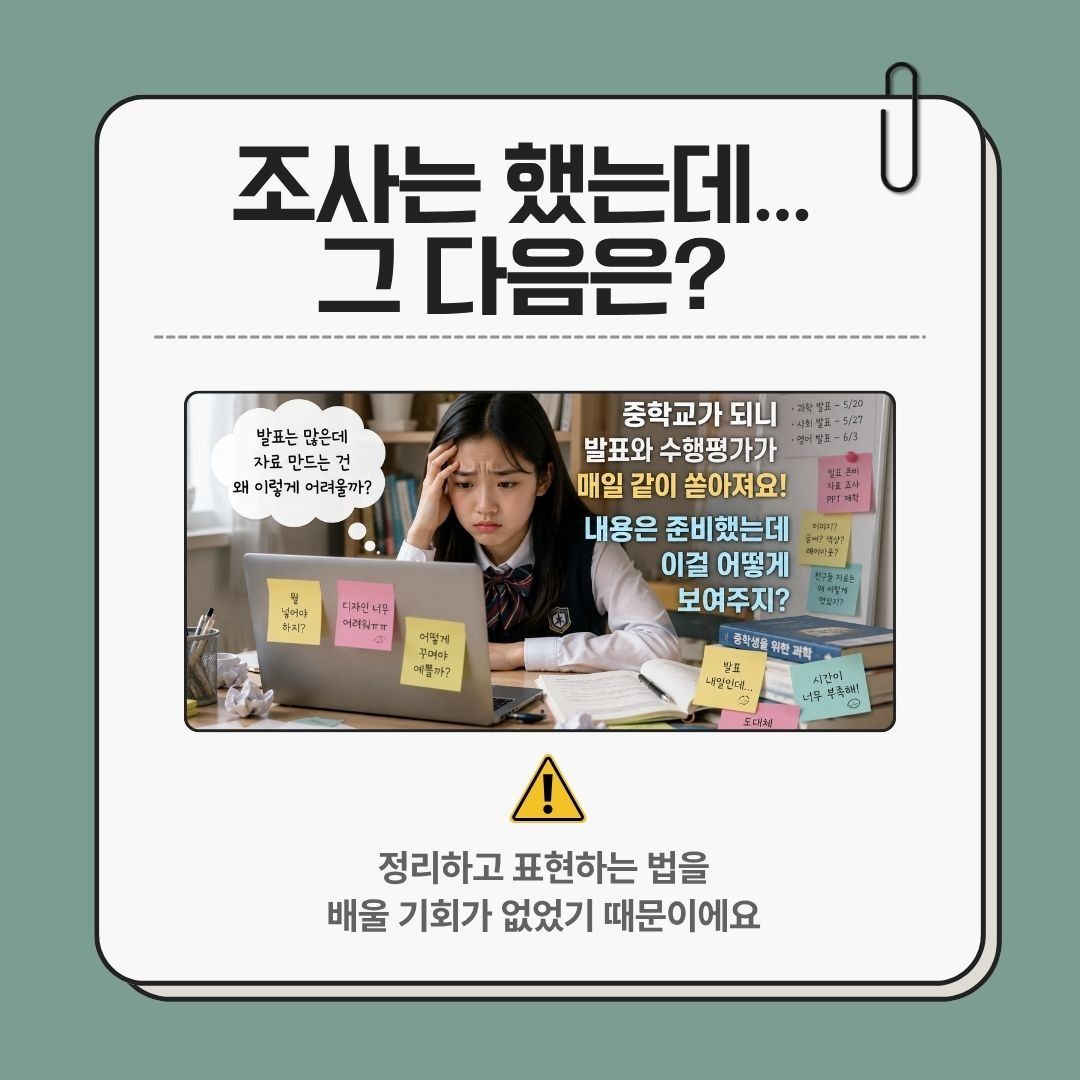
“내용은 조사했는데, 이걸 어떻게 정리하지?”
“PPT에는 무엇을 넣어야 하지?”
“친구들 자료는 보기 좋은데, 나는 왜 이렇게 만들기 어렵지?”
자신의 생각을 보기 좋게 정리하고 하나의 자료로 완성하는 경험이 부족하기 때문입니다.
💡발표가 많아진 뒤에
배우기 시작하면 아이는 더 바빠집니다.
발표 날짜는 정해져 있고, 조사할 내용도 많고, 발표 연습도 해야 합니다.
그런데 그때 처음 디자인 도구를 열어 기능부터 익혀야 한다면 어떨까요?
아이에게는 과제 하나를 완성하는 과정 자체가 큰 부담이 될 수 있습니다.
그래서 저는 발표와 수행평가가 본격적으로 많아지기 전에 디지털 도구를 익혀보는 경험이 필요하다고 생각합니다.
미리 캔바와 친해진 아이는 과제가 주어졌을 때
처음부터 도구 사용법을 고민하지 않습니다.
“어떻게 사용하지?”에서 시작하는 것이 아니라,
“이번에는 어떻게 만들어 볼까?”에서 시작할 수 있습니다.
바로 이 차이를 만들어 주는 것이 이 수업의 목표입니다.
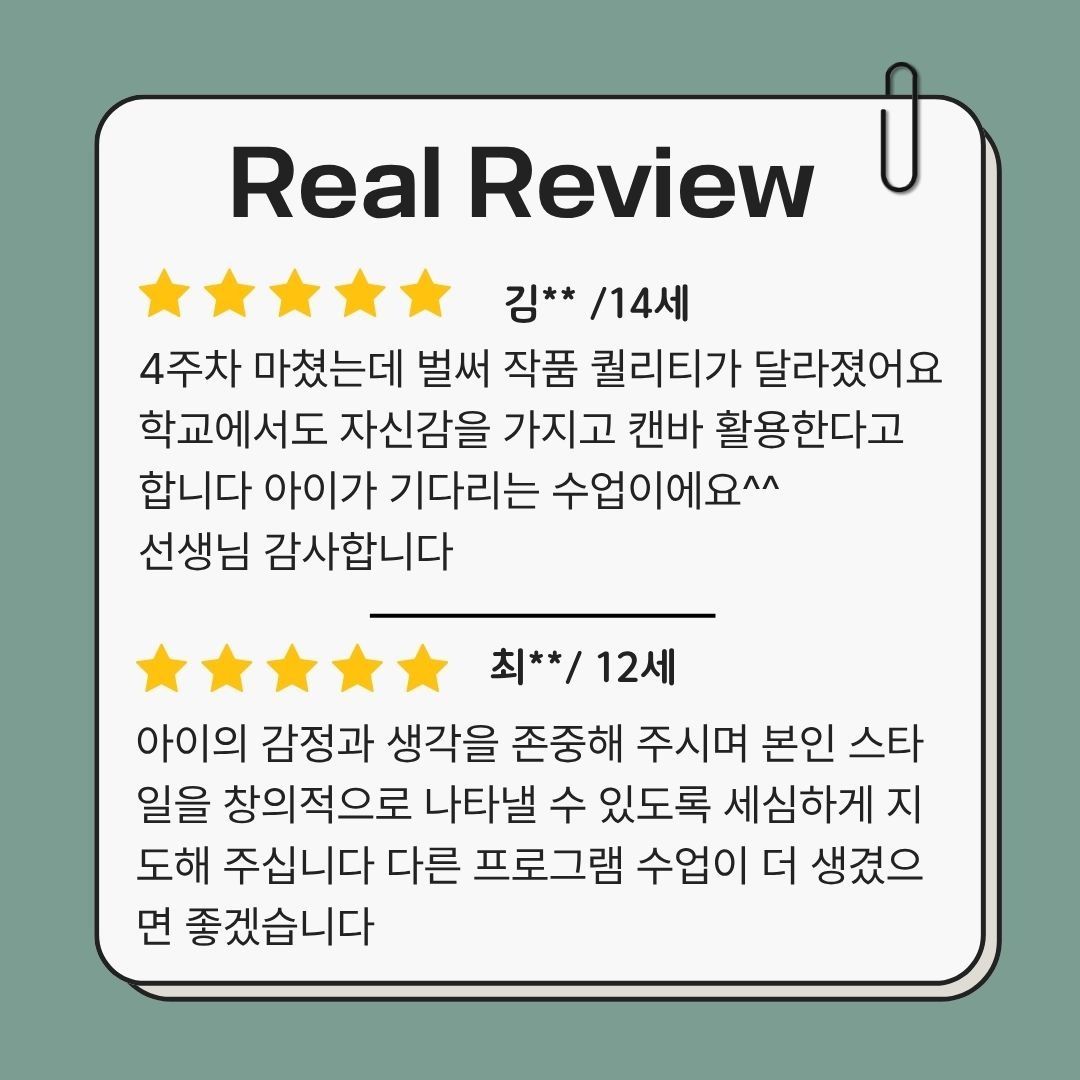
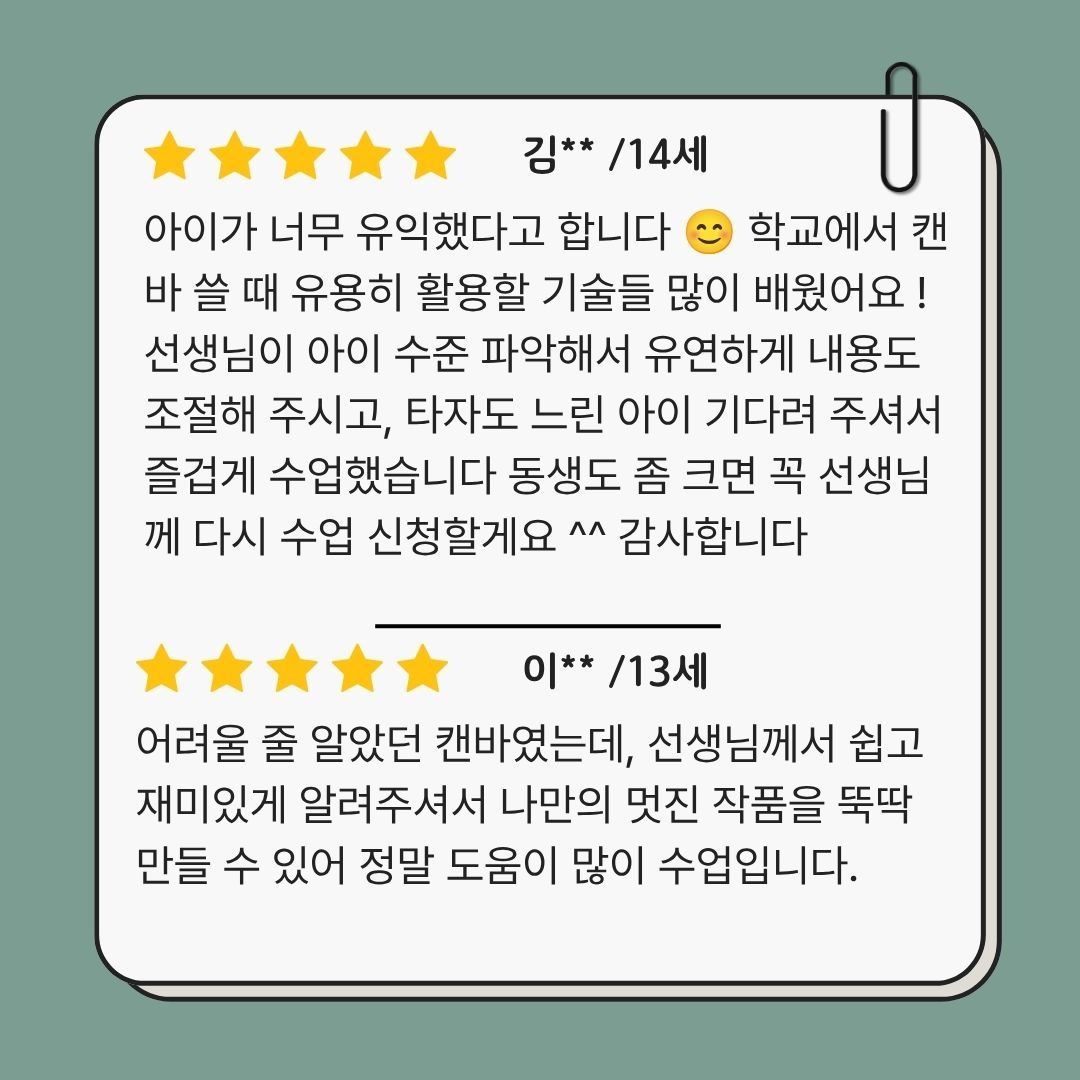
수업의 퀄리티는 후기에서 증명됩니다.
왜 캔바일까요?
요즘 아이들에게 필요한 것은 단순히 PPT 프로그램 하나를 다루는 능력이 아닙니다.
아이디어를 찾고, 필요한 정보를 정리하고,이미지와 텍스트를 배치하고,
자신의 생각을 다른 사람에게 보기 쉽게 전달하는 능력이 필요합니다.
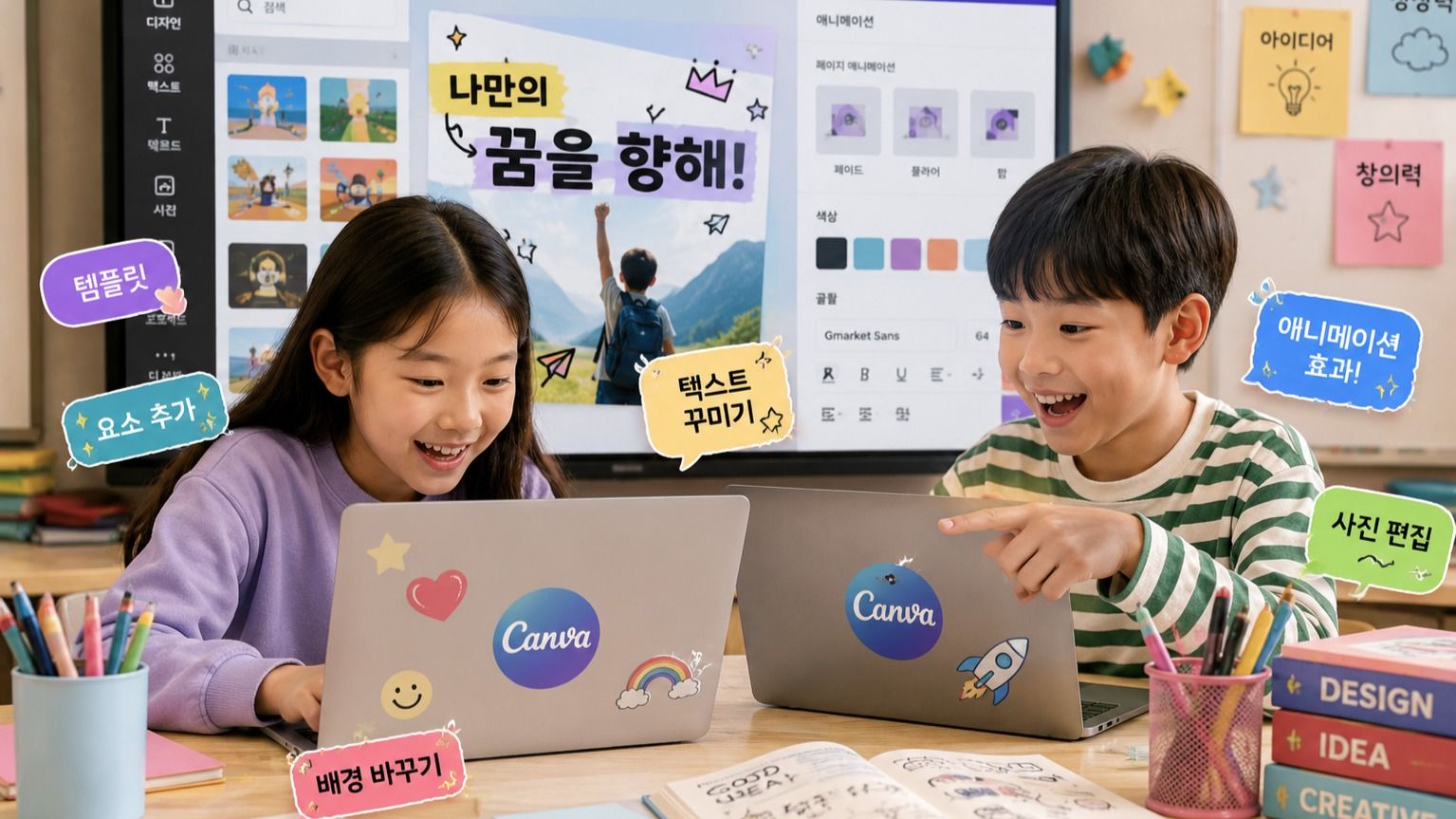
아이들은 캔바를 함께 활용하며
‘생각하기 → 정리하기 → 디자인하기 → 완성하기’의 과정을
자연스럽게 경험합니다.
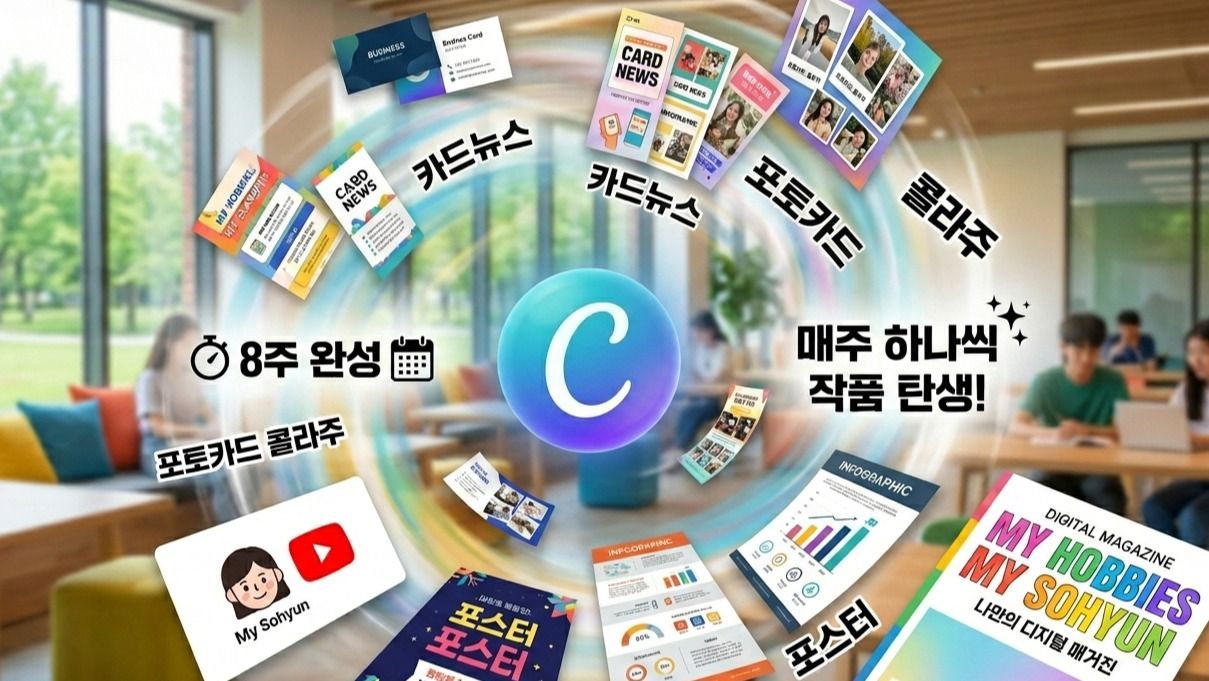
§ 8회차 디지털 결과물 한눈에 보기
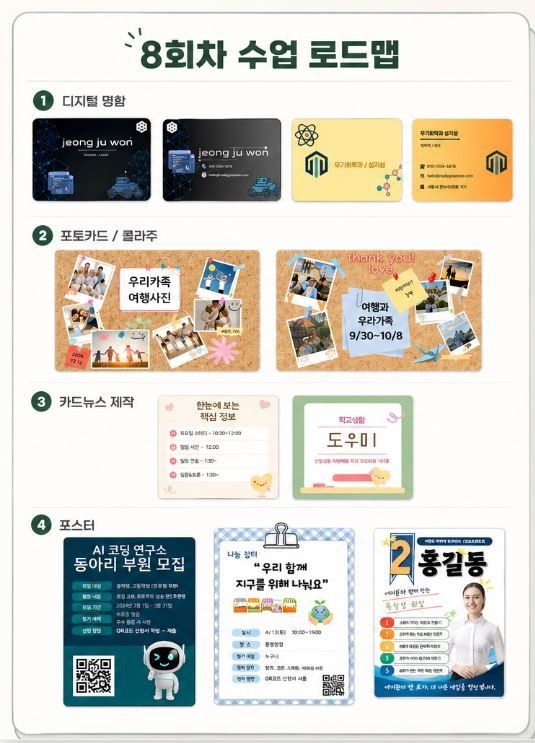
1회차 - 나만의 디지털 명함
2회차 - 포토카드 & 콜라주
3회차 - 카드뉴스
4회차 - 포스터
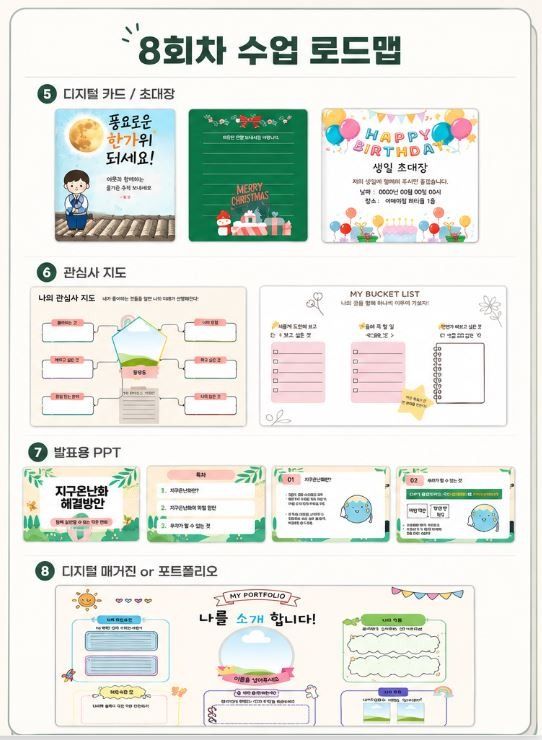
5회차 - 디지털 초대장 & 카드
6회차 - 나만의 관심사 지도
7회차 - 발표용 PPT 슬라이드
8회차 - 나만의 디지털 매거진형 포트폴리오 (졸업작품)
발표와 수행평가가 많아진 뒤에
시작하면 늦습니다.
초등 고학년은 아이들이 디지털 도구를 단순히 소비하는 데서 벗어나
직접 만들고 표현하는 경험을 시작하기 좋은 시기입니다.
중학교에 진학한 뒤 발표와 프로젝트 과제가 주어질 때마다 처음부터 자료 만드는 방법을 고민하게 할 것인지, 아니면 미리 다양한 콘텐츠를 만들어 본 경험을 바탕으로 자신의 생각을 표현하게 할 것인지.그 차이는 작은 경험에서 시작됩니다.
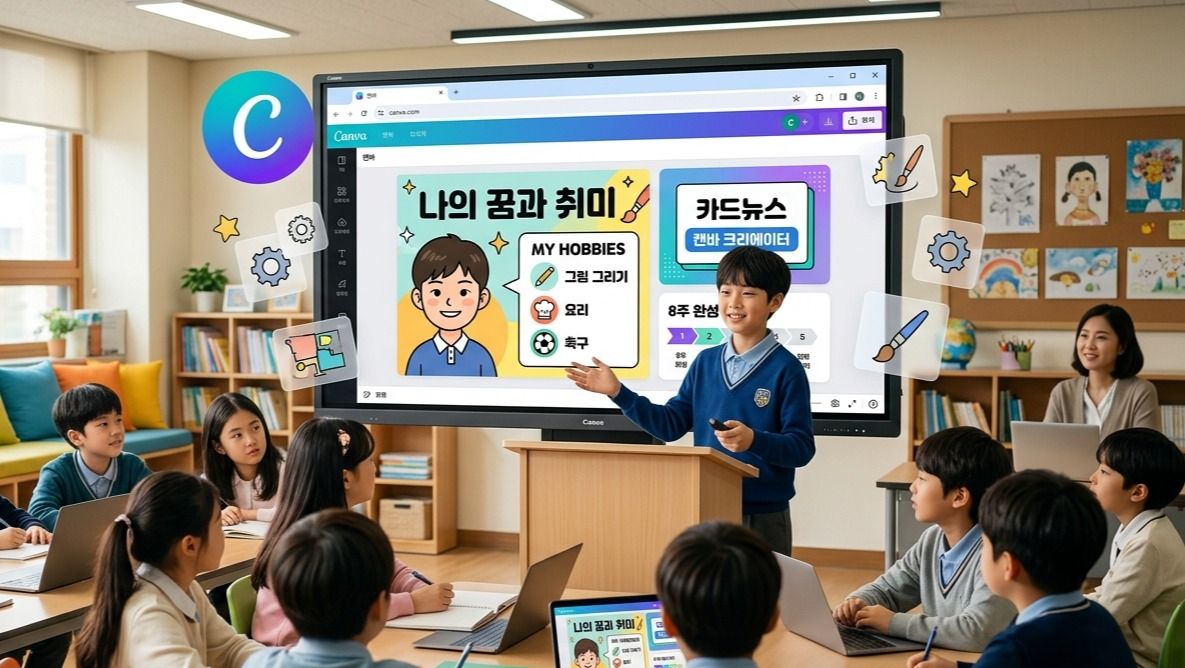
통합과정은 캔바의 기본 기능부터 학교생활에 활용할 수 있는 발표자료와 콘텐츠 제작까지 8주 동안 차근차근 경험하는 수업입니다.
발표가 많아진 뒤에 급하게 배우는 캔바가 아니라, 아이가 필요할 때 자연스럽게 꺼내 쓸 수 있는 ‘자신의 도구’로 만들어 주세요.
§ 학습 내용
첫걸음부터 탄탄하게 배웁니다.
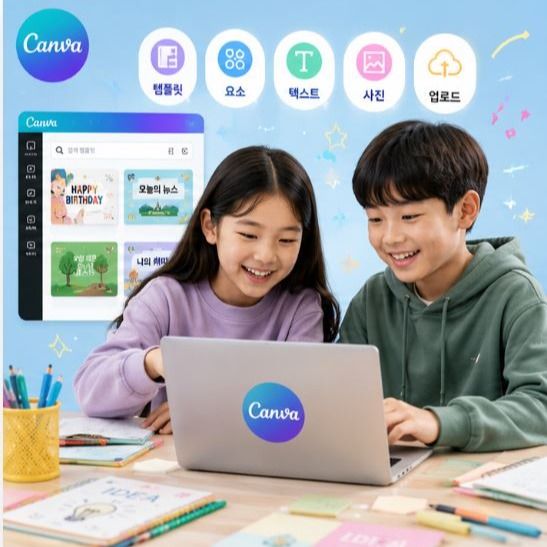
사진, 도형 편집 등 캔바의 핵심 기본기부터 시작하여 템플릿을 다루는 법과 다운로드, 공유 방법까지 첫날부터 완성의 성취감을 느낍니다.
트렌디한 AI 기능도 함께 경험합니다.
배경을 자동으로 지워주는 기능과 Magic Media를 활용한 AI 이미지 생성 등
최신 디지털 기술을 자연스럽게 체득합니다.
실생활과 학교 생활에 바로 쓰는 실용 중심의 수업입니다.
만들고 나서 바로 카카오톡으로 전송할 수 있는 카드부터 학교 수업에서 즉시 활용 가능한 발표용 PPT까지, 실제 활용도가 높은 콘텐츠를 중심으로 배웁니다.
§ 8주 후, 우리 아이가 달라집니다
수행평가 PPT 스스로 완성
포토카드, 포스터, 직접디자인 가능
나만의 디지털 매거진 발행
AI기능 직접 체험. 활용
8주 후, 아이에게 남는 것은
8개의 작품만이 아닙니다.
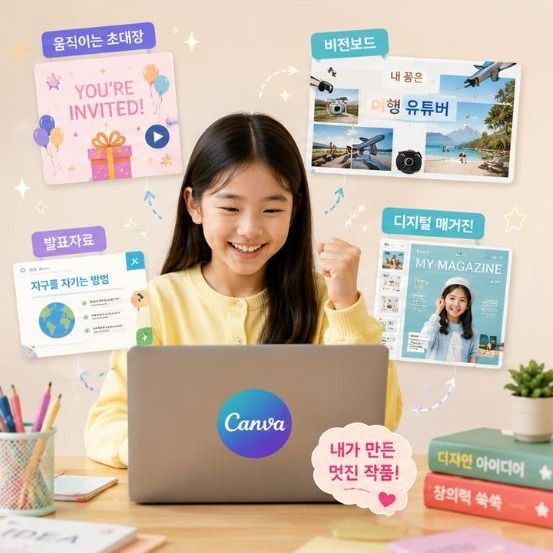
디지털 명함, 포토카드, 카드뉴스, 포스터, 움직이는 초대장, 비전보드, 발표자료, 디지털 매거진까지. 아이의 손에는 8개의 결과물이 남습니다.
하지만 더 중요한 변화는 따로 있습니다.
처음에는 “선생님, 이제 뭘 해야 해요?”
라고 물었던 아이가, 수업이 진행될수록
“저는 이 색을 사용해 볼래요.”
“이 내용은 이렇게 배치할래요.”
“발표자료도 제가 직접 만들어 볼 수 있어요.”
라고 자신의 생각을 표현하기 시작합니다.
[추천 수강 대상]
초등학교 3학년부터 6학년까지의 어린이
캔바(Canva)를 처음 접하거나 기초부터 제대로 배우고 싶은 아이
그림 실력이나 디자인 감각이 없어서 고민인 아이
학교 수행평가나 발표 자료를 멋지게 완성하고 싶은 아이
유튜브, SNS 등 디지털 창작 활동과 콘텐츠 제작에 관심이 많은 아이
Curriculum
Total 8 sessions
Session 1
캔바 시작 + 나만의 디지털 명함 완성
캔바의 첫걸음입니다. 기본 회원가입과 템플릿 탐색법을 배우고, 텍스트와 아이콘을 활용해 나만의 개성이 담긴 첫 명함을 완성합니다.
Session 2
AI 배경 제거 기능으로 포토카드 완성
이미지 편집의 기초를 다집니다. 사진 업로드와 레이아웃 배치법을 익히고, 배경 자동 제거(누끼) 기능을 활용해 멋진 포토카드를 제작합니다.
Session 3
정보전달 UP! 카드뉴스 만들기
여러 페이지를 자연스럽게 연결하는 법을 배웁니다. 가독성 높은 텍스트 배치와 색상 통일감을 익히고, AI 이미지 생성 기능도 직접 체험합니다.
Session 4
시선을 사로잡는 포스터 만들기
주목도 높은 디자인 원칙을 배웁니다. 도형과 글자 효과로 강조점을 만드는 법을 익히고, 리사이즈 기능을 활용해 하나의 디자인을 다용도로 변환해 봅니다.
Session 5
애니메이션 초대장 완성 → 카카오톡으로 바로 전송
정적인 디자인에 생동감을 불어넣습니다. 애니메이션과 페이지 전환 효과, 스티커 요소를 활용해 만든 카드를 수업 직후 카카오톡으로 지인에게 바로 전송합니다.
Great for These Kids
발표나 수행평가를 더 잘하고 싶은 학생
디자인이나 영상, 콘텐츠 제작에 관심 있는 학생
자신의 생각을 잘 정리하고 표현하는 연습이 필요한 학생
캔바를 처음 접하거나 제대로 활용해보고 싶은 학생
마우스/키보드 사용이 익숙하지 않은 학생
단순 재미 위주의 수업을 원하는 경우
PC 사용이 어려운경우
10세 이하의 어린이 (마우스 및 키보드 조작이 낯설어 진도를 따라오기 어려울 수 있습니다)
Multi-Session Class Information
When a cancellation request is submitted for a multi-session class, all sessions starting from the time the cancellation request is received onward will be canceled together.
For multi-session class cancellations, a penalty fee is charged separately from the cancellation fee.
To reschedule, please cancel and rebook.
Canceling individual sessions within a bundle is not available.
If a session cannot be held due to the teacher, you will be notified by email.
If a separate refund policy applies, you can view the detailed policy on the payment or event page.
Teacher Info
Auto-translated to English.
디디
Reviews
82
Hello, I am Didi, an expert in convergence education based on digital literacy and planning. We live in an era where the ability to correctly interpret information, reconstruct it using one's own logic, and express it in the digital world—going beyond simply learning technology—is becoming a core competitive advantage for children. Combining my practical logic as a 10-year veteran Project Manager (PM) with my expertise as a digital instructor, I help our children grow into "future-oriented talents" who can design their own learning and produce results within a changing technological environment. ✔ What makes my professional convergence classes different? - Planner's Logic: Beyond simply using tools, students learn how to structure their thoughts using planning methods such as MECE and how to communicate them efficiently. - Convergence of Diverse Fields: Based on my capabilities gained from completing AI Boostcourse and over 10 certifications, including ITQ (PowerPoint, Excel), Children's Economics, and Debate, I implement multi-faceted education that bridges the gap between digital and humanities. - Solid Digital Output: Using the latest tools such as Canva and CapCut, children experience a sense of accomplishment by completing their planned ideas into visual results. ✔ Why Digital Literacy Convergence Education? - Literacy is Digital Competitiveness: We reinforce the essence of digital utilization by enabling students to grasp the core concepts and build logical frameworks amidst a flood of information. - Tools Are Vessels for Thoughts: Based on AI and software education capabilities, students master various digital tools and transform their imaginations into actionable content. - Practical Future Competencies: By incorporating know-how in discussion, debate, and economics education, we cultivate proactive individuals who can confidently and persuasively convey their opinions to the world. "Start the time to transform your child's thoughts into valuable results for the digital world with me."
Experience & Activities
·
Currently working as an AI expert instructor for a public institution
·
Worked as a PM and planner at an IT company for 13 years
·
Gyeonggi-do Digital Learning Center / Digital Instructor
·
Completed Naver Connect / Boostcourse Generative AI 2025 Coaching Study
·
Creative Computer Academy / Dedicated ITQ Certification Instructor
·
Author of 'Special Stories Mom Tells Her Daughter'
·
'AI Job Training' Lectures for Out-of-School Children
See Full Teacher Profile
Class Reviews

H*
13years old
2026. 5. 14 PM 4:52:46
Teacher, haha, the class is so, so good. Thank you. Since the kids have lived abroad for a long time, they are becoming more comfortable with English than Korean, so their replies are delayed and their Korean typing is slow 🤣, but thanks to your easy and detailed remote guidance, we are learning really well and finding it very beneficial. Thank you so much.
Auto-translated to English.

디디
2026. 5. 14 PM 6:19:21
Thank you for the warm feedback, Mom! 😊 Since the children have lived abroad for a long time, Korean typing and expressions may be a little unfamiliar to them, but the concentration and creative flair they demonstrate throughout the class are truly exceptional. Design is a field that communicates through images and layouts rather than text, so I am always amazed as I teach, seeing their global sensibilities perfectly infused into their Canva work. Although it is a remote class, you do not need to worry at all, as I provide meticulous guidance via remote control tailored to each child's individual pace so they can keep up! In fact, I feel even greater growth in the children's earnestness as they strive to complete their work on their own, even if it takes them a while. I will continue to teach in an easy and fun way so that our children can gain confidence in both the Korean language and design. I will prepare the remaining classes thoroughly so they can be filled with their own wonderful senses. Thank you for trusting and entrusting your children to me.
Auto-translated to English.

H*
11years old
2026. 5. 12 PM 4:8:14
My child loves decorating various things with Canva, so I signed up thinking it would be good for them to learn more diverse functions. The teacher was so kind and taught us many ways to use it, so we happily finished the first lesson. I look forward to future classes. Thank you. 🩷
Auto-translated to English.
디디
2026. 5. 14 PM 1:35:15
Thank you for your valuable review and photos! It was a truly rewarding time for me as well, seeing my child participate so enthusiastically even though it was their first class. I am also looking forward to seeing how they will use their creativity to explore the endless possibilities of Canva. I will continue to prepare enriching lessons so that my child can fully experience the joy of design.
Auto-translated to English.

김**
14years old
2026. 6. 6 PM 12:5:59
My child said it was very informative 😊 We learned many useful techniques to use when using Canva at school! The teacher assessed my child's level and flexibly adjusted the content, and was patient with my child who types slowly, so we had an enjoyable class. I will definitely sign up for lessons with you again when my younger sibling gets a little older ^^ Thank you.
Auto-translated to English.
디디
2026. 6. 6 PM 12:9:39
Thank you for leaving such a valuable review! I am so glad to hear that the content learned in the class was beneficial for your child. I hope this class serves as a stepping stone for your child to use digital tools with even greater confidence.^^
Auto-translated to English.
Growth Reviews for This Class