


![[초3~6] 나만의 유튜브 영상 만들기 프로젝트](https://i1.gguge.com/r/product/c9eebd34-55a1-4b24-87f5-1d35a483d48f.png.webp?w=1280)
[초3~6] 나만의 유튜브 영상 만들기 프로젝트
5
(21)
방학이되면 휴대폰으로 유튜브만 들여다 보고 있는 우리아이에게 이제 스스로 영상편집하는 방법을 알려주세요. 자신만의 생각과 느낌을 미디어로 만들어서 유튜브에서도 표현도 해보고 , 학교에서 영상과제를 이제 직접 해볼 수 있습니다.
(US$103.50)
Multi-Session
10-13
Max 6people
40min
Not Available

디디
Reviews
82
🎬 “영상을 보는 아이에서,
직접 만드는 아이로!”
유튜브와 쇼츠를 매일 보는 아이들.
이제는 단순 시청을 넘어,
직접 기획하고 편집하며
‘나만의 콘텐츠’를 만들어볼 시간입니다.
이 수업은 단순 영상 편집 기술만 배우는 수업이 아닙니다.
✔ 내 아이디어를 영상으로 표현하고
✔ 생각을 스토리처럼 구성하며
✔ 직접 만든 영상을 완성해보는
‘디지털 생산자 경험’을 만드는 수업입니다.
여름방학 동안
아이만의 브이로그, 쇼츠, 소개 영상 등을 직접 제작하며
창의력과 디지털 감각을 자연스럽게 키워봅니다.
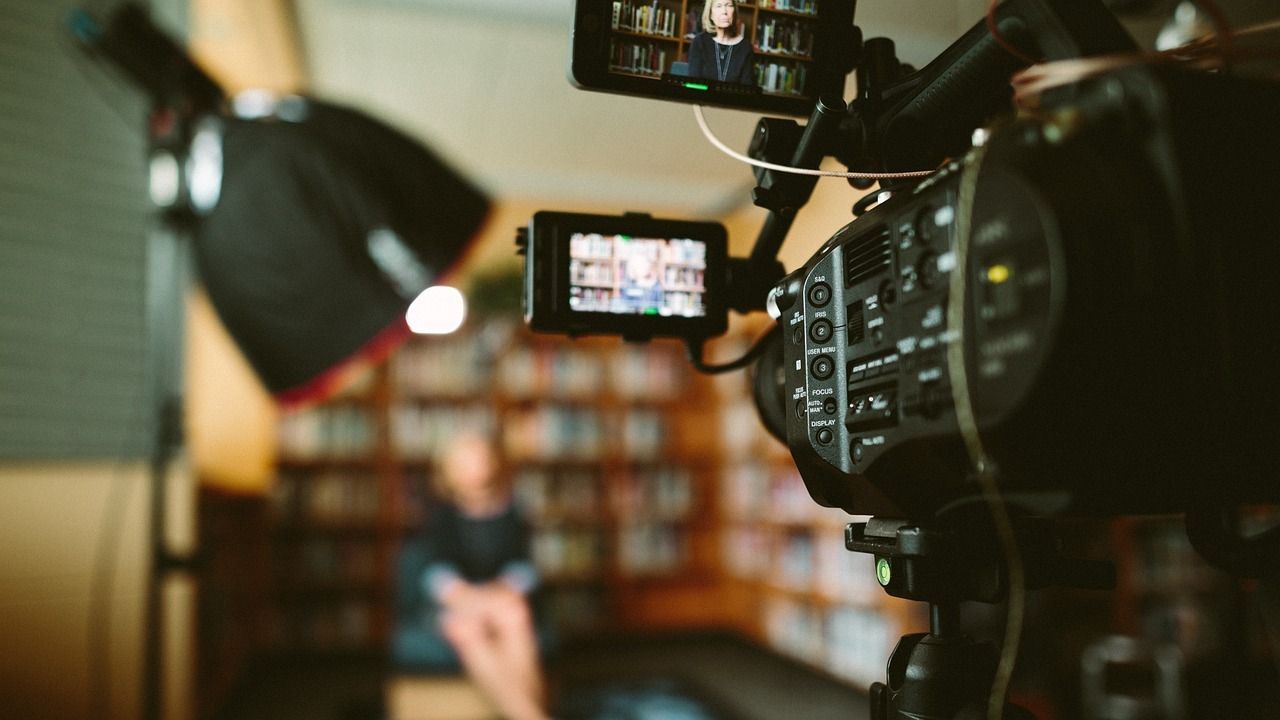
🚀 이 수업의 기대 효과
✔ 생산자적 사고 성장
단순 시청자가 아닌,
직접 만드는 ‘콘텐츠 제작자’ 경험을 합니다.
✔ 기획력 향상
스토리보드를 구성하며
생각을 논리적으로 정리하는 힘을 기릅니다.
✔ 디지털 문해력 강화
영상 편집 도구와 유튜브 환경을 자연스럽게 익힙니다.
✔ 창의적 표현력 확장
자막·효과·그래픽을 활용해
자신만의 개성을 표현하는 방법을 배웁니다.
✔ 자신감과 성취감 경험
직접 만든 영상을 완성하고 공유하며
“나도 만들 수 있다!”는 자신감을 얻습니다.
🧠 수업은 이렇게 진행돼요
- 핵심 설명 및 시범 (10~15분)
오늘 배울 편집 기능과
제작 포인트를 쉽고 재미있게 설명합니다.
- 직접 편집 실습 (25~30분)
아이들이 직접 영상을 만들며
실습 중심으로 편집 기술을 익힙니다.
매 회차마다 제공되는 미션을 수행하며
자연스럽게 실력이 쌓이도록 구성되어 있습니다.
📱 사용 툴 및 준비물
모바일 또는 태블릿 사용
영상 편집 앱 VLLO(블로) 사전 설치 필요
무료 버전만으로 충분히 참여 가능합니다.
VLLO는 직관적인 인터페이스로
초등학생도 쉽고 빠르게 적응할 수 있는 영상 편집 앱입니다.

💡 이런 점을 배워요
✂️ 쉬운 영상 편집 도구 활용
편집 앱의 기초부터 핵심 기능까지 쉽고 재미있게 익혀요.
🎬 더 멋진 영상 연출하기
컷 편집, 음악, 특수효과를 활용해 완성도 높은 영상을 만들어봐요.
🧠 스토리보드로 생각 정리하기
아이디어를 영상 흐름으로 구성하며 기획력과 논리력을 키워요.
🌈 나만의 스타일 표현하기
자막, 그래픽, PIP 기능으로 개성 있는 영상을 직접 꾸며봐요.
📺 유튜브 크리에이터 경험하기
직접 만든 영상을 업로드하고 공유하며 콘텐츠 제작 과정을 경험해봐요.
🌟 이번 여름방학,
아이의 ‘디지털 창의력’을 깨워주세요
영상은 이제 단순한 취미가 아니라
생각을 표현하는 중요한 도구입니다.
이번 여름,
아이만의 아이디어를 직접 영상으로 만들며
창의력·기획력·표현력을 함께 성장시켜보세요!
Curriculum
Total 5 sessions
Session 1
영상편집의 기초
동영상 제작에 대한 과정에 대해 학습하고, 블로(VOLL) 설치 방법과 화면 구성을 함께 살펴봅니다. 각 화면에서의 주요 기능과 구성을 확인하고 실제 함께 실습해 봅니다.
Session 2
기본 편집도구와 인터페이스 이해
동영상 프로젝트 구성과 타임라인, 트랙, 패널 등 편집의 기본의 개념을 소개하고, 클립선택, 자르기, 클립이동 등 기본 편집 도구를 실습합니다.
Session 3
오디오 및 그래픽 편집학습
영상에서 배경음악과 효과음악이 되는 오디오를 편집하는 방법에 대해 학습하고, 편집의 주요 기능과 세밀한 설정등을 학습하게 됩니다.
Session 4
전환, 효과, 특수효과 편집
그래픽편집, 텍스트펹딥, PIP편집등 영상에 직접적인 영향을 미치는 주요 기능들을 학습하고, 다양한 애니메이션과 효과 편집을 실습해봅니다. 또한 영상제작을 위한 스토리 보드도 제작해봅니다.
Session 5
유튜브 가입 및 영상등록하기
스토리 보드로 작성된 내용대로 영상을 만들어보고 나의 유튜브에 등록하여 수강생들과 함께 링크를 공유하고 친구들의 의견과 피드백을 공유하는 시간을 가지게 됩니다.
Great for These Kids
유투버를 꿈꾸는 학생
영상편집에 관심을 가지고 있는 학생
자신의 생각을 창의적으로 표현하고 싶은 학생
기계조작이 어려운 학생
8세 이하 어린이
Multi-Session Class Information
When a cancellation request is submitted for a multi-session class, all sessions starting from the time the cancellation request is received onward will be canceled together.
For multi-session class cancellations, a penalty fee is charged separately from the cancellation fee.
To reschedule, please cancel and rebook.
Canceling individual sessions within a bundle is not available.
If a session cannot be held due to the teacher, you will be notified by email.
If a separate refund policy applies, you can view the detailed policy on the payment or event page.
Teacher Info
Auto-translated to English.
디디
Reviews
82
Hello, I am Didi, an expert in convergence education based on digital literacy and planning. We live in an era where the ability to correctly interpret information, reconstruct it using one's own logic, and express it in the digital world—going beyond simply learning technology—is becoming a core competitive advantage for children. Combining my practical logic as a 10-year veteran Project Manager (PM) with my expertise as a digital instructor, I help our children grow into "future-oriented talents" who can design their own learning and produce results within a changing technological environment. ✔ What makes my professional convergence classes different? - Planner's Logic: Beyond simply using tools, students learn how to structure their thoughts using planning methods such as MECE and how to communicate them efficiently. - Convergence of Diverse Fields: Based on my capabilities gained from completing AI Boostcourse and over 10 certifications, including ITQ (PowerPoint, Excel), Children's Economics, and Debate, I implement multi-faceted education that bridges the gap between digital and humanities. - Solid Digital Output: Using the latest tools such as Canva and CapCut, children experience a sense of accomplishment by completing their planned ideas into visual results. ✔ Why Digital Literacy Convergence Education? - Literacy is Digital Competitiveness: We reinforce the essence of digital utilization by enabling students to grasp the core concepts and build logical frameworks amidst a flood of information. - Tools Are Vessels for Thoughts: Based on AI and software education capabilities, students master various digital tools and transform their imaginations into actionable content. - Practical Future Competencies: By incorporating know-how in discussion, debate, and economics education, we cultivate proactive individuals who can confidently and persuasively convey their opinions to the world. "Start the time to transform your child's thoughts into valuable results for the digital world with me."
Experience & Activities
·
Currently working as an AI expert instructor for a public institution
·
Worked as a PM and planner at an IT company for 13 years
·
Gyeonggi-do Digital Learning Center / Digital Instructor
·
Completed Naver Connect / Boostcourse Generative AI 2025 Coaching Study
·
Creative Computer Academy / Dedicated ITQ Certification Instructor
·
Author of 'Special Stories Mom Tells Her Daughter'
·
'AI Job Training' Lectures for Out-of-School Children
See Full Teacher Profile
Class Reviews

정**
11years old
2026. 8. 4 PM 2:27:41
My child is in 4th grade. There are quite a few classes at school that involve video production and creating presentation scripts using Canva. I happened to see that Teacher Didi was taking this class and signed up. My child loves it so much, and seeing their skills improve makes me feel very proud and satisfied. I am so glad that such a class exists, as it will be very helpful for the future. Once this class is completed, I have also signed up for a class to explore Canva in more depth. The teacher is very kind and listens well to the children, so the class atmosphere runs very smoothly.
Auto-translated to English.

디디
2026. 8. 4 PM 7:37:18
Hello! Thank you so much for leaving such a heartfelt review. It seems your thoughtful choice as a parent, gifting your child with essential learning opportunities such as video production and Canva usage, really paid off! Thanks to your child's active participation, their skills improved rapidly, and the class atmosphere was fantastic. We will prepare a substantial session for the next class so that your child can immerse themselves even more deeply and grow. Thank you!
Auto-translated to English.

김**
12years old
2026. 7. 11 AM 11:42:47
Thank you for guiding us so well and sharing so much content for the past five weeks. I believe this YouTube Kookoo class will serve as a valuable stepping stone for my child to enter the path of becoming a YouTube creator. Although we couldn't upload the video during the last session because we didn't know how to grant administrator privileges to the children's YouTube channel, I will look into this separately after the class ends so that we can upload it. Thank you once again for guiding us so well for the past five weeks. Thank you.
Auto-translated to English.
디디
2026. 7. 11 PM 8:35:3
Thank you for your valuable feedback. I would also like to express my gratitude to the child who participated diligently for five weeks and demonstrated their potential as a YouTube creator. I regret that we were unable to complete the video upload on-site due to issues with channel permission settings. As you mentioned in your review, please check the settings individually at home before proceeding with the upload. If you encounter any difficulties or need assistance while trying to upload, please feel free to contact us at any time. We will guide you through the process so that you can resolve the issue smoothly, even after the class has ended. Thank you sincerely for your trust and support over the past five weeks.
Auto-translated to English.
It helped 1 people.

노**
12years old
2026. 8. 4 PM 2:20:34
This was the class my child looked forward to the most among the special vacation lectures. After class, my child shows the videos they edited themselves to their younger sibling and even teaches me the editing process. My child says it is the most fun class at Kookoo.
Auto-translated to English.
디디
2026. 8. 4 PM 7:35:36
Hello! Thank you so much for leaving such a wonderful review. It is so heartwarming and adorable to hear that your child took on the role of a teacher for the family using a video they made themselves! ^^ We will never forget your compliment that this is the most fun class at Kookge, and we will continue to do our best to ensure your child remains fully engaged and excited. Thank you!
Auto-translated to English.
Growth Reviews for This Class